How to get started with Microsoft Recall as an end-user
Hi welcome to my series on how to start loving Windows 11 now that it’s time for Windows 10 to say bye . Until 14th… Read More »How to get started with Microsoft Recall as an end-user

Hi welcome to my series on how to start loving Windows 11 now that it’s time for Windows 10 to say bye . Until 14th… Read More »How to get started with Microsoft Recall as an end-user
Table of content Five reasons for why should I use Windows 11 #1 – It’s built for getting all the new fun things #2 -… Read More »Why you as an end-user should want Windows 11 right now
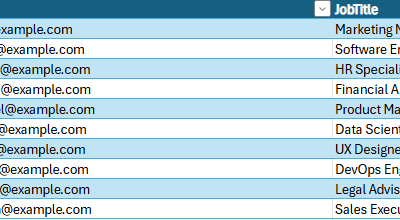

I’ve faced this scenario so often, it’s time for a blog post about it! The issue is that sometimes the data I want in my… Read More »Multiple sources in same Query

Where does your Viva Engage Data live? A lot of companies are currently in the process of transitioning from Workplace to Viva Engage. Some might… Read More »Managing Your Viva Engage Data Location
Where does your Viva Engage Data live? A lot of companies are currently in the process of transitioning from Workplace to Viva Engage. Some might… Read More »Managing Your Viva Engage Data Location
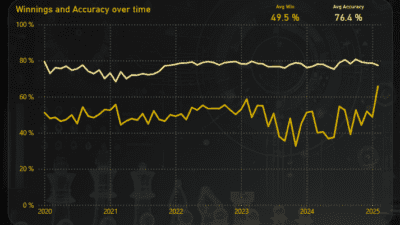
I recently got pulled into the rabbit hole that is chess and mainly the analytics of it. I’m still a terrible player by all accounts.… Read More »Power BI Template for Chess.com